Practice Mode, Dragon Tiger
How practice mode works for dragon tiger, UPI details, realistic timings and the pitfalls to avoid.
What Is Practice Mode?
Practice mode in dragon tiger is a free-play version of the live card game that runs on virtual chips instead of real rupees. The dealing mechanics, card values, side-bet positions, Dragon, Tiger, Tie, and Suited Tie, and payout ratios are identical to real-money tables. No funds leave your account and no winnings are credited. Most Indian-facing platforms deliver practice mode through an RNG demo engine, where a random-number generator simulates each card draw instantly, letting you test bet combinations without a 25-second live countdown pressing you.
Practice mode matters most in dragon tiger because the game moves faster than any other live-casino format. Players who skip practice and jump straight to ₹100 to ₹500 minimum live tables often misclick the bet grid or miss the window entirely while still reading the layout. A focused 30-minute demo session removes that friction before real money is at stake.
Practice Mode Step by Step
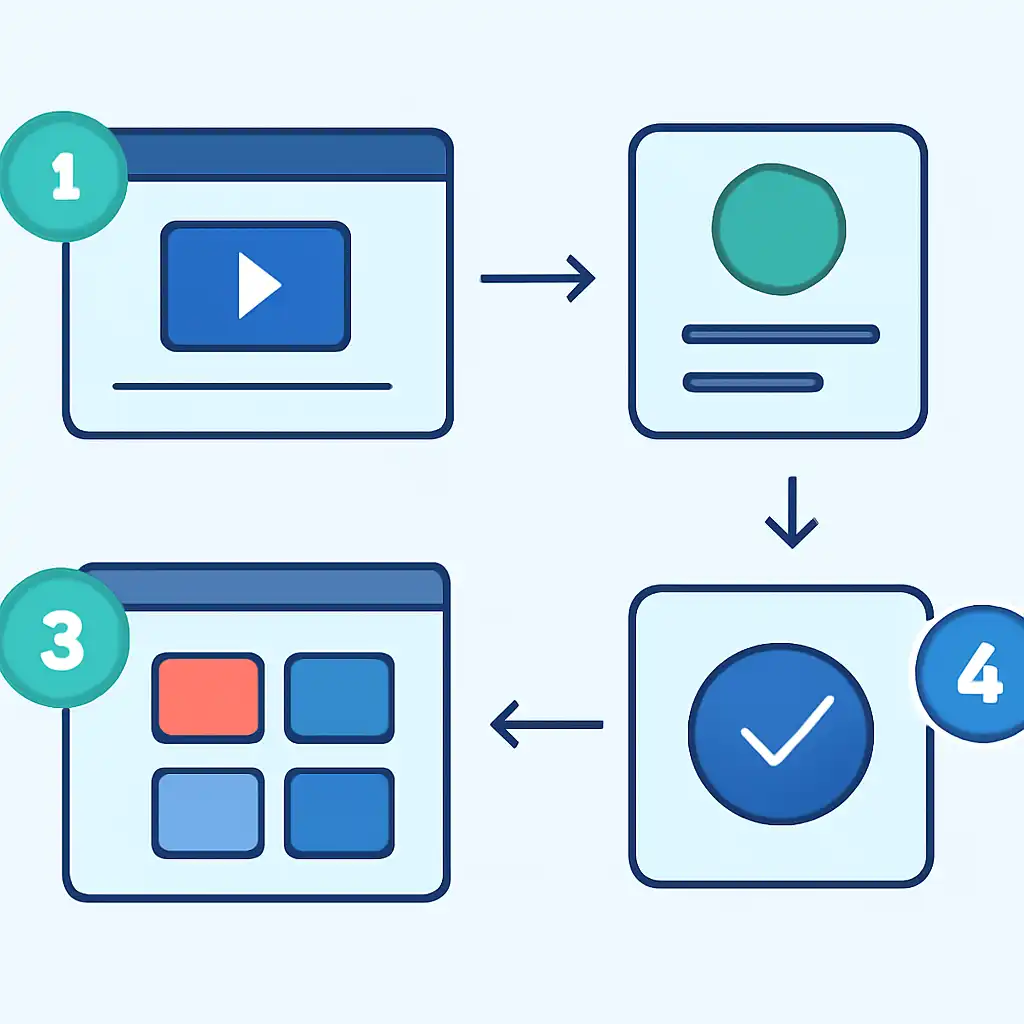
To reach the demo table on platforms available in India, follow this sequence. Open the casino lobby and filter by Live Casino or Card Games. Locate the Dragon Tiger thumbnail, usually alongside Speed Baccarat in the Ezugi or Evolution section. Look for a Try for Free or Demo button beneath the table preview; if none appears, click the table image and select Play for Fun on the loading screen.
The game loads with a virtual balance, typically ₹10,000 to ₹50,000 in demo chips. Place chips on Dragon, Tiger, or Tie by clicking each zone, confirm with the Deal button, and read the result on the central card display. In your first five rounds, place only Dragon or Tiger bets to get comfortable with the betting window. In rounds six through fifteen, add a small Tie or Suited Tie side-bet to learn how split payouts display. By round twenty, treat your demo stake proportionally, use ₹10,000 demo chips as a proxy for a ₹1,000 real deposit to practise bet sizing accurately.
Practice Mode on Mobile
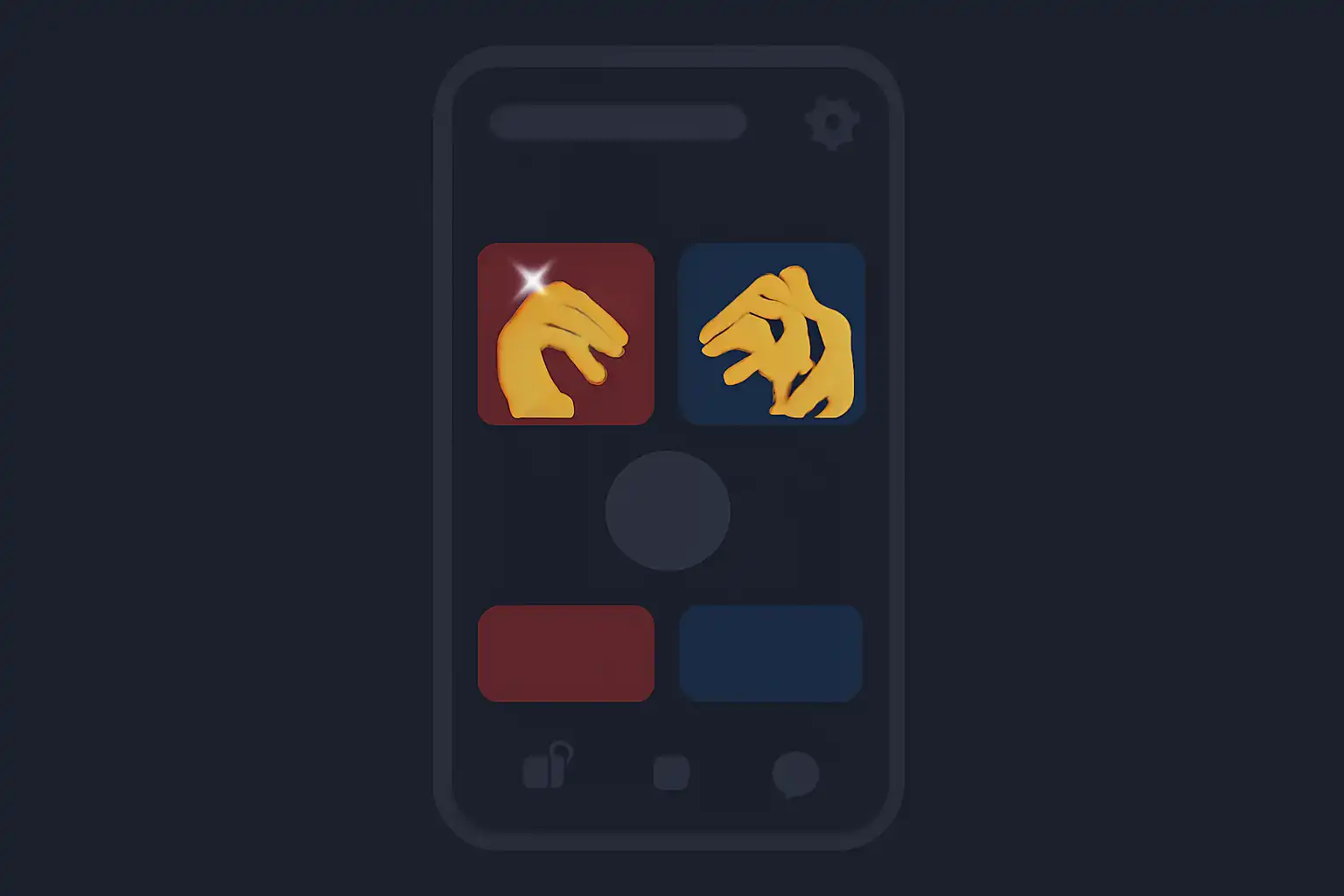
Most dragon tiger demo tables load directly inside a mobile browser on Android and iOS without requiring an app download. Open your preferred Indian casino site in Chrome or Safari, navigate to the Dragon Tiger demo, and the RNG table scales automatically to portrait or landscape. Platforms optimised for UPI users, including those who pay via PhonePe, GPay, or BHIM, keep the same demo access path on mobile as on desktop, so no separate login or account switch is needed.
Tap the chip denomination at the bottom of the screen to set your stake, then tap Dragon or Tiger on the felt to position your bet. The Deal button appears once at least one position is covered. On screens under 6 inches, switch to landscape mode to see the full bet grid, including the Suited Tie corner bet, without zooming in and risking a misclick on a live table later.