Streaming Quality, Dragon Tiger
Everything on streaming quality for dragon tiger in one place, timings, requirements and what to check first.
What is streaming quality?
Streaming quality on Dragon Tiger refers to the resolution, frame rate, and latency of the live video feed connecting you to a physical card table in real time. When you open a Dragon Tiger live room on dragon-tiger.in.net, a studio camera mounted above the dealer's table transmits every card draw directly to your screen, the clarity and smoothness of that feed is what "streaming quality" means in practice.
Three numbers define the experience: resolution (480p, 720p, or 1080p, higher means card suits are readable without squinting), frame rate (30 to 60 fps, higher makes card flips look fluid rather than choppy), and latency (the delay between a physical card turning and you seeing it, ideally under 2 seconds). Unlike video-on-demand content, a live Dragon Tiger stream cannot be buffered ahead of time, so latency directly affects bet-closure fairness, not just visual comfort.
How streaming quality works
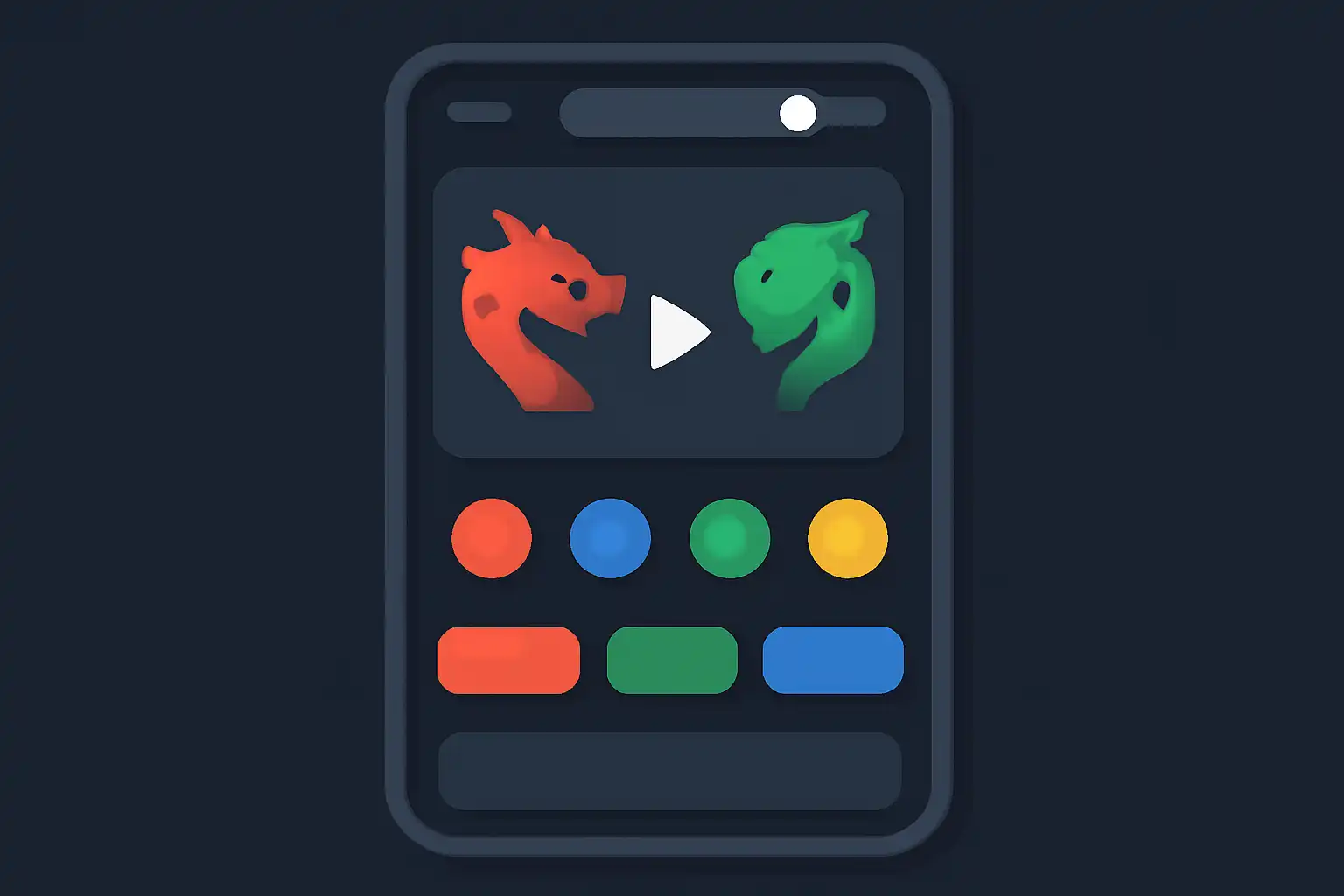
Dragon Tiger live tables use studio cameras feeding an adaptive bitrate (ABR) encoder that packages video into multiple tiers simultaneously, for example, 400 Kbps at 480p, 1.5 Mbps at 720p, and 4 Mbps at 1080p. Your device measures available bandwidth every few seconds and switches tiers automatically. If your Jio or Airtel connection dips mid-round, the stream steps down to 720p instead of freezing entirely, keeping the round playable.
Content delivery network (CDN) edge nodes located near Mumbai, Chennai, and Bangalore serve Indian players, keeping round-trip latency low across the subcontinent. The full signal chain is: camera → on-site encoder → CDN origin → nearest edge node → your screen, covering the distance in 1 to 3 seconds under normal conditions. The game engine deliberately delays bet closure to match this window so no player sees a result before wagering ends.
Streaming quality on mobile
Playing Dragon Tiger on a smartphone over a 4G or 5G connection in India introduces data-cost trade-offs. At 720p, a one-hour session consumes roughly 1.5 to 2 GB, a significant portion of most prepaid Jio or Vi plans. Switching the in-game quality selector to 480p cuts consumption to around 800 MB per hour while keeping card values clearly legible on screens under 6 inches. Reserve 1080p for Wi-Fi sessions where data cost is not a concern.
Android users on mid-range chipsets such as the Snapdragon 680 should close background apps before launching a Dragon Tiger session. Live video decoding competes with RAM-hungry apps and can cause frame drops that resemble a poor stream but are actually a local hardware bottleneck. If the video lags while the game timer runs normally, the problem is your device; if both lag together, it is your network connection.